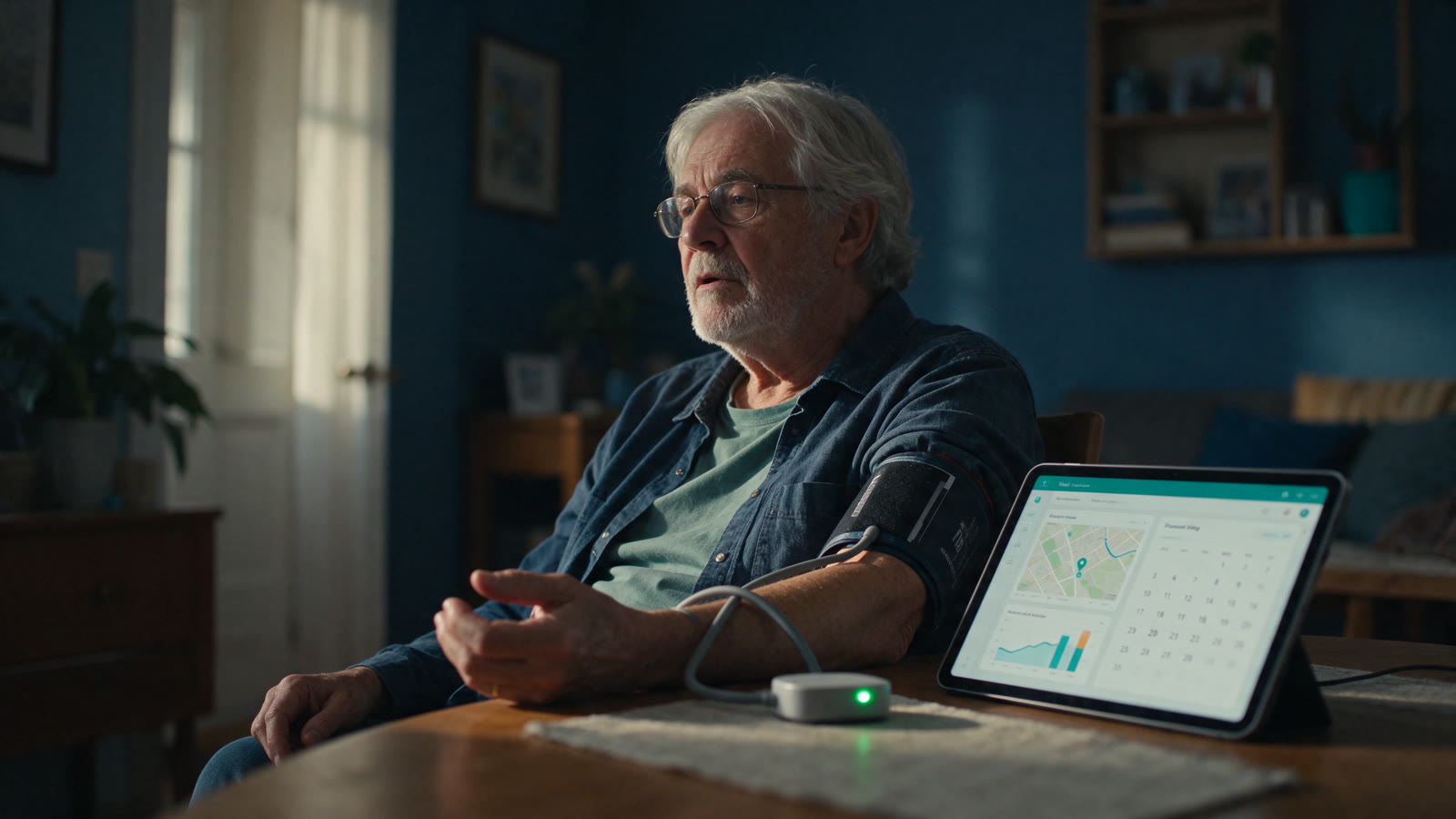
In a trial that collects patient-reported outcomes on participants' own phones, synced is what the app shows when it believes its upload finished. After an operating system update, the app on that version can mark entries as synced that the server never stored. Completion dips slightly, which reads as participants forgetting. Sites receive queries for entries participants say they completed, and by then the window for each entry has closed.
- The app’s synced is its own belief. The study database’s receipt is the record that counts.
- The tell is completion split by operating system version: one version falls from the day participants update, while the others hold.
- Reconcile expected against received every day, while a missed entry is still inside its window.
A diary entry has a window
In a trial that collects patient-reported outcomes, each entry is due inside a window the protocol sets: this evening, this week, the day after a visit. Once the window closes, an entry that is not in the study database generally stays missing. That is what makes this failure expensive. It can be found weeks later. It can only be prevented on the day.
Missing entries have several causes. Participants forget, phones are lost, a schedule is configured wrongly at a site. This guide covers the one where the participant did complete the entry, the app said “synced”, and the entry never arrived.
How synced and received come apart
Where a study lets participants use their own phones, the app runs on whatever operating system version each participant has, and that changes without notice to the study. Suppose a new version alters how background uploads are scheduled, or how long locally stored data is kept. On that version the app queues an entry, shows “synced” when it hands the upload to the operating system, and clears its local copy. The upload is never carried out, or is sent in a form the server refuses.
The app has reported its own belief. The study database, which is the only record that counts, has nothing.
Why it reads as a participant problem
- The app: a tick beside every entry.
- The sync service: a healthy overall success rate. It cannot count uploads that never reached it.
- The study dashboard: completion a little lower, inside the range seen when participants tire.
- Sites: receive queries about missing entries, ring participants, and are told the entries were done.
- The app vendor’s testing: passed, on the operating system versions that existed when it was run.
Each site sees a handful of forgetful participants. Nobody at a site can see that the forgetful ones all share an operating system version.
The records to compare
- sync logs by operating system version and app build: uploads received, accepted and refused
- the date each participant’s phone moved to the new version, from the device details the app reports
- entries expected under the schedule against entries received, per participant, per day
- site queries and their answers, especially “participant states entry was completed”
- participant help requests about the app
Versions, counts and timestamps are sufficient. None of it requires opening an entry, so the check can be run without anyone seeing a response.
The schedule says how many entries should exist today for each participant. The database says how many do. The difference, split by operating system version, is the whole diagnosis. It can be computed every day, while a missed entry is still inside its window and the participant can be asked to complete it.
What it costs, and how to size it
The unit of loss is data queries and protocol deviations.
- For participants on the affected version, count entries expected since they updated and subtract entries received.
- Compare that shortfall with the same participants’ own shortfall before the update. The excess is the share that belongs to the defect, as opposed to ordinary missed entries.
- Each excess entry is a likely query. Multiply by the site and data management time a query takes.
- Count how many fall under your protocol’s definition of a deviation, and what documenting each one involves.
- List the entries whose window is still open. Those can still be collected.
What the missing entries mean for the analysis is a question for the study statistician and the sponsor. A count by participant and date is where that conversation begins.
Why it comes back
Operating system vendors release on their own calendar, and participants update when their phones prompt them. The app was tested on the versions that existed at the time. Without a daily comparison split by version, a dip in completion gets explained as participant fatigue, the explanation is plausible, and the next operating system release finds the same blind spot.
What fixes it, and who owns each part
- App vendor: show “synced” only on the server’s acknowledgement, keep the local copy until then, and test against pre-release operating system versions. Send the escalation with the dated evidence by version.
- Data management: run expected against received every day, by operating system version and app build.
- Clinical operations and sites: contact participants whose windows are still open.
- Study leadership: decide how the gap is documented under the protocol.
Where Traxivo fits
Traxivo reads sync logs, device and version details, schedule and receipt counts, and site query records through read-only connections, with nothing installed on participants’ phones. It links them into one issue with a history, recognises the pattern when a later operating system version brings it back, names the owners at the vendor and in the study team, and drafts the vendor escalation for a named person to approve. It does not write to the study database or alter an entry. See Traxivo for Healthcare on missing trial data, and the same pattern in other industries.
The ten use cases on the Traxivo for Healthcare page are the ones most healthcare and life sciences estates share. Your niche will have failures of its own. We build custom solutions for those on top of the same platform: connectors for the feeds only your niche has, detection for the pattern only your estate shows, and the loss counted in your own unit. The same approach extends to niches such as specialty and dental groups, behavioural health providers, laboratories and remote monitoring programmes.
Sources
- Applied Clinical Trials (Tufts Center for the Study of Drug Development). Recognizing and Addressing the Execution Translation Gap in Clinical Trials, 2026.
- Applied Clinical Trials (Tufts Center for the Study of Drug Development). Recognizing and Addressing the Execution Translation Gap in Clinical Trials, 2026.
- American Hospital Association. Costs of Caring: Challenges Facing America’s Hospitals as They Care for Patients in 2026, 2026.
Every figure on this page comes from the published source it is linked to and describes the industry at large. None is a Traxivo or customer result.
Frequently asked questions
Why would an app show synced when the entry never reached the study database?
Because the app marks an entry as synced at the point it believes the upload is done, which may be when it hands the work to the operating system. If a new operating system version handles that work differently, the upload can fail after the app has already shown success.
How do we tell a sync defect from participants missing entries?
Split expected against received by operating system version and by date. Ordinary missed entries are spread across versions. A defect shows as one version whose shortfall rises from the day participants moved to it, including participants who were reliable before.
Can a missed entry be collected afterwards?
That depends on the protocol. An entry whose window is still open can simply be completed, which is the reason to compare expected against received every day. Once a window has closed, what happens next is defined by the protocol and decided by the study team.
Stop rediscovering the same integration failure
Traxivo links the alerts, tickets and email threads your teams already produce into one history per issue, recognises when a fault returns, and drafts the follow-up with the evidence attached. Nothing is sent until a person approves it.
See how Traxivo works See Traxivo for Healthcare